Video Editing Services
Post-production is no longer just about cutting footage together; it is a sophisticated intersection of storytelling, engineering, and data management. Whether you are running a boutique studio in London or managing a remote team across multiple time zones, the landscape of video editing services has evolved dramatically. Modern editors must now be part artist, part IT specialist, and part colour scientist.
For professionals aiming to deliver content that meets the rigorous standards of UK broadcasters or the high expectations of global streaming platforms, understanding the technical nuances is as vital as creative flair. This resource serves as a comprehensive guide to navigating the complexities of the modern edit suite, from hardware selection to the final quality control (QC) check.
Building and Optimising the Edit Suite
The foundation of any successful post-production workflow is the environment in which the work takes place. Contrary to popular belief, building a professional-grade suite does not always require an unlimited budget. It requires smart allocation of resources to identify where bottlenecks occur.
Hardware and Ergonomics
Many editors make the mistake of pouring their entire budget into the CPU, neglecting the components that actually sustain long-term productivity. A high-end workstation is useless if the editor is suffering from Repetitive Strain Injury (RSI) due to poor seating, or if the lighting environment skews their colour perception.
- Bias Lighting: Setting up a correct bias lighting environment is essential for accurate colour perception, preventing eye strain and ensuring that what you see on screen translates correctly to other devices.
- Peripherals: Your choice of chair and interface devices directly impacts editing speed. Ignoring ergonomics is a common cause of burnout and physical injury in the industry.
- Display Technology: The debate between dual monitors and ultrawide setups is ongoing. The right choice depends on your timeline efficiency needs and the specific real estate required for your software’s panels.
System Performance
Inside the machine, balance is key. A common issue is the misallocation of RAM in software like Premiere Pro, leading to playback lag even on powerful systems. Furthermore, knowing when to upgrade your GPU is critical; there are specific signs that your graphics card is bottlenecking your render times, often distinguishable from CPU limitations.
The Art and Science of Colour Grading
Colour grading elevates a video from a simple recording to a cinematic experience. However, bridging the gap between a creative look and a technically compliant broadcast master is where many projects stumble.
Working with Log and LUTs
The widespread use of Log footage has democratised high dynamic range shooting, but it introduces complexity in post-production. A frequent pitfall is the misuse of Look Up Tables (LUTs). While commercial LUTs promise a « HollywoodBlockbuster » look, they often destroy skin tones or introduce artefacts if the shot is not balanced correctly beforehand.
Understanding the difference between a technical conversion LUT and a creative look is fundamental. Professional colourists know that blending LUTs to dial back intensity and correcting exposure before applying any preset are non-negotiable steps to avoid turning skin tones green or magenta.
Broadcast Compliance and Legal Colours
For UK delivery, looking good is not enough; the signal must be legal. Broadcasters strictly enforce limits on luma and chroma levels. Illegal colours are frequently rejected by QC departments, even if they appear fine on a computer monitor. This is why tools like DaVinci Resolve or Baselight are standard; they offer the scopes necessary to grade within Rec.709 standards without introducing digital noise.
Audio Post-Production: Clarity and Standards
Audio is often described as 70% of the viewing experience. In the context of video editing services, « clean » audio is often more valuable than « highfidelity » audio, especially regarding speech intelligibility on mobile devices.
Syncing and Restoration
The workflow begins before the edit. Mismanaging on-set protocols, such as the incorrect use of a slate, can cost hours in post-production. While third-party tools like PluralEyes have been industry staples, understanding how to use timecode to sync multiple cameras and microphones instantly is a hallmark of a professional workflow.
When recordings go wrong, knowing how to rescue noisy audio is a superpower. Whether choosing between iZotope RX and Adobe Audition depends on the specific nature of the noise—such as removing a siren from dialogue without destroying voice texture using spectral editing.
Mixing for Delivery
The final mix must translate across devices, from high-end home cinemas to smartphone speakers. A common error involves speaker placement in the edit suite, which can ruin the mix on other devices. Furthermore, editors must understand the difference between sidechain compression and keyframes for ducking music; one sounds like a radio DJ, the other feels organic.
- EQ Strategies: Male and female voices require different EQ approaches to remove mud and sibilance effectively.
- Loudness Standards: Why does a video sound quiet on YouTube compared to major brands? It is usually a misunderstanding of LUFS normalization versus peak metering.
Mastering Delivery and Quality Control (QC)
The final stage of video editing services is often the most stressful: delivery. In the UK, the technical requirements for television spots are incredibly strict. Organizations like Clearcast check not just for content, but for technical adherence to specific standards.
File Formats and Integrity
The industry standard for master delivery remains ProRes 422 HQ due to its balance of quality and file size, but broadcasters have specific wrapper requirements. Understanding the difference between AS-11 and DPP specifications is mandatory for delivering content to UK television. A simple export error regarding gamma levels can make a video look washed out on QuickTime, leading to client rejection.
The QC Process
Passing technical standards on the first try requires a proactive approach. It involves verifying master file integrity before deleting the project files and ensuring that textless masters are created correctly for international distribution. This stage is where technical knowledge saves the production company significant money in redelivery fees.
Remote Collaboration and Workflow Management
The modern editing team is rarely in the same room. Managing remote editors across time zones requires a shift from over-the-shoulder supervision to precise digital communication.
Security and Efficiency
Sending footage from set to editor in real-time is now a reality, but it raises security concerns. High-stakes leaks are a major risk, making the choice between simple password protection and Single Sign-On (SSO) vital for enterprise workflows. For the actual editing work, low-latency remote desktop solutions like Parsec or Jump Desktop have replaced traditional VPNs, allowing editors to access powerful suites from modest home connections.
Client Review Cycles
The efficiency of the sign-off process often dictates the profitability of a project. Using precise annotations on platforms like Frame.io can reduce client revisions significantly. However, workflow errors still occur, such as the versioning mistake where a client reviews the wrong cut. Establishing a robust « FollowtheSun » workflow with perfect handover notes ensures that creativity continues 24/7 without loss of control.

Why Is a Video Trimmer Essential for Content Creators?
Somewhere right now, a marketing manager is wrestling with Premiere Pro just to cut 30 seconds from a webinar clip. The export will take 15 minutes. The deadline was an hour ago. And this happens three times a week. According…
Lire la suite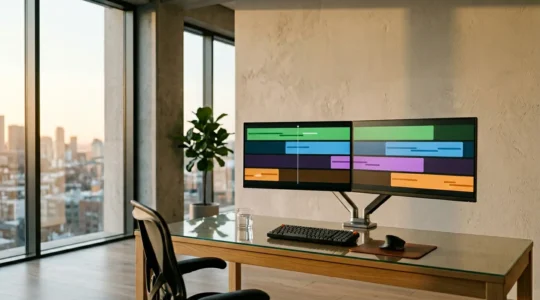
How to Manage Remote Editors Across Time Zones & Maintain Creative Control
Managing a global post-production team isn’t about more meetings; it’s about a superior operational design that transforms time zones into a strategic advantage. Success hinges on architecting frictionless handovers that create a 24-hour creative cycle, not a 24-hour communication chain….
Lire la suite
Frame.io vs Vimeo Review: Which Platform Speeds Up Client Sign-Offs?
Frame.io is architected to solve post-production workflow friction, while Vimeo adds review features to a distribution-first platform. Frame.io excels in precise, frame-accurate feedback and real-time « Camera to Cloud » workflows, directly accelerating revision cycles. Vimeo provides solid basic review tools but…
Lire la suite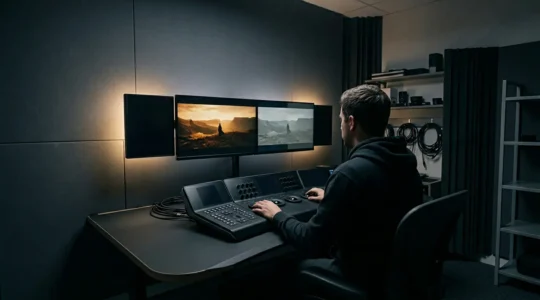
Commercial LUTs vs. Custom Grading: Which is Better for Fast Turnarounds?
The belief that a commercial LUT is a one-click « cinematic » solution is the biggest roadblock to efficient, professional colour grading. True speed comes from a disciplined technical foundation, not from skipping steps. Most LUT failures stem from applying a creative…
Lire la suite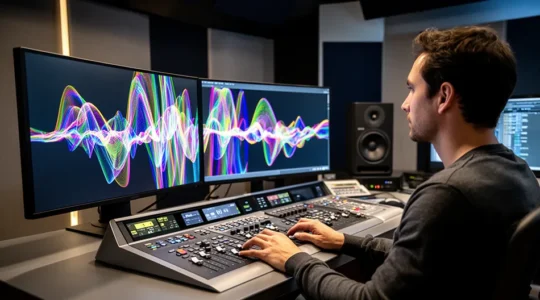
How to Rescue Noisy Audio Recordings to Broadcast Standards?
That sinking feeling when you hear unusable audio from a crucial recording is a familiar pain for any editor. The common advice to « use a denoiser » often leads to robotic, lifeless sound. This guide presents a forensic specialist’s approach: true…
Lire la suite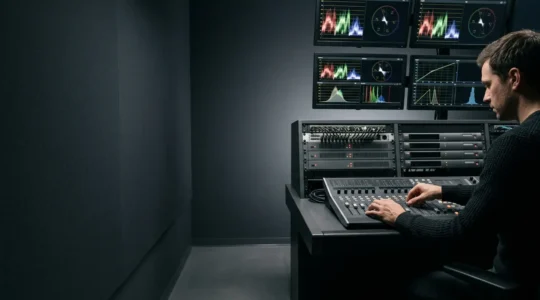
How to Export Master Files for UK TV Without Failing Quality Control?
Failing a UK broadcast QC isn’t a simple settings error; it’s a systemic failure in understanding how files are technically interpreted, not just how they look on screen. Your file’s integrity is only as strong as its cryptographic hash; obsolete…
Lire la suite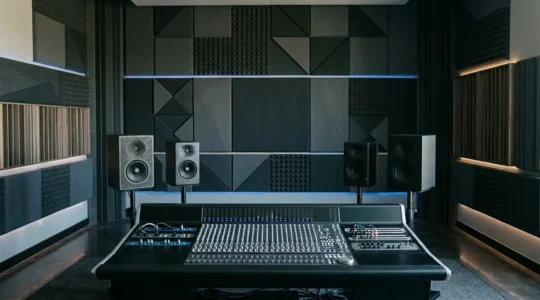
Why Your Dialogue Gets Lost in the Mix—and How to Fix It for Mobile
You’ve been told to just lower your music volume to make dialogue clear. This is the fastest way to kill your video’s energy. The real professional secret isn’t about volume; it’s about surgically carving out specific frequencies in the music…
Lire la suite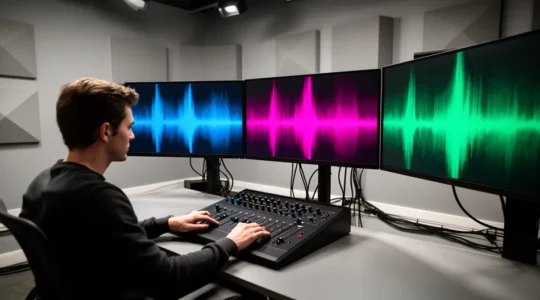
How to Fix Drifting Audio Sync in Long Interviews Without Cutting
In summary: Audio drift is not random; it’s a mathematical inevitability caused by devices using different « digital clocks » (mismatched sample rates or frame rates). The most common culprit is mixing 44.1kHz audio (music standard) with 48kHz audio (video standard) or…
Lire la suite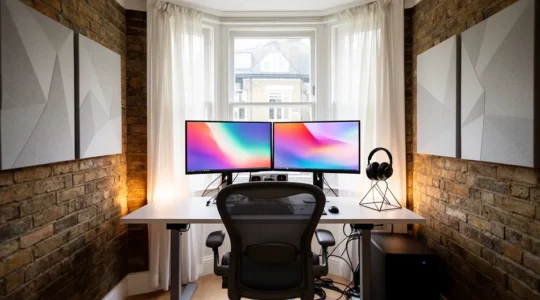
How to Build a 4K Editing Suite in a Small London Studio for Under £3k?
In summary: Building a 4K edit suite on a budget is a game of eliminating hidden bottlenecks, not just buying the most powerful PC. Save a significant portion of your £3k budget by purchasing professionally refurbished, top-tier ergonomic gear from…
Lire la suite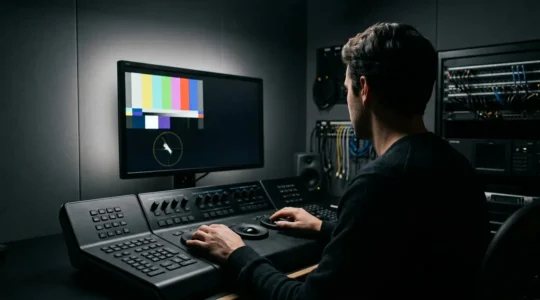
How to Pass Clearcast Technical Standards for UK TV Spots on the First Try?
Passing Clearcast QC isn’t a final-step fix; it’s a discipline of maintaining signal integrity from ingest to delivery, treating the technical specification as the foundational grammar of your grade. Illegal colours are a function of the limited Rec. 709 gamut,…
Lire la suite