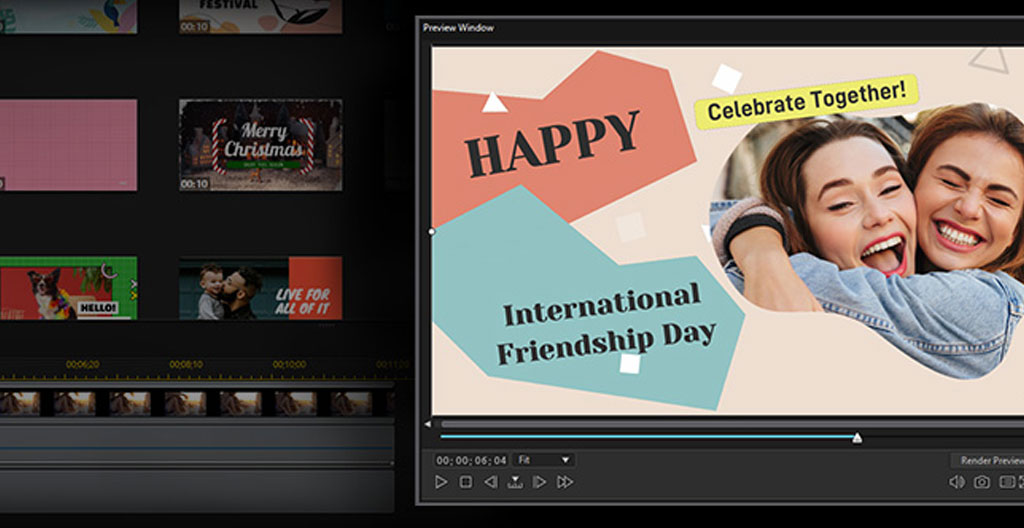
Template essentials in 30 seconds:
- Pre-built structure means you start at 80%, not zero
- Customizable text, colors, media, and pacing—your brand, their framework
- Teams turn around multiple videos in days instead of weeks
- Consistency across videos stops looking like an accident
Why Most Marketing Teams Waste Hours on Videos That Could Take Minutes?
58%
B2B marketers rating video as their most effective content type in 2025
Here’s the pattern I see constantly. A marketing manager needs a product launch video. She opens a blank project, spends 40 minutes choosing music, another hour figuring out transitions, and half a day adjusting text animations that still look amateur. Three days later, the video ships—and it looks nothing like the last three videos her team produced.
The CMI 2025 B2B content marketing benchmarks surveyed 980 marketers and found video has officially overtaken case studies as the top-performing content format. Yet 43% of teams not seeing results from video cite a lack of clear strategy. The irony? Most of them have a strategy. What they lack is a repeatable production system.
The real cost isn’t just time. It’s the inconsistency. When every video looks different—different fonts, different color treatments, different pacing—your audience doesn’t recognize you. Working with mid-size B2B companies over the past few years, I’ve watched brands dilute their visual identity one « quick » video at a time. The relationship between inconsistent video styles and brand equity isn’t abstract; it shows up in engagement metrics that plateau no matter how much content you push.
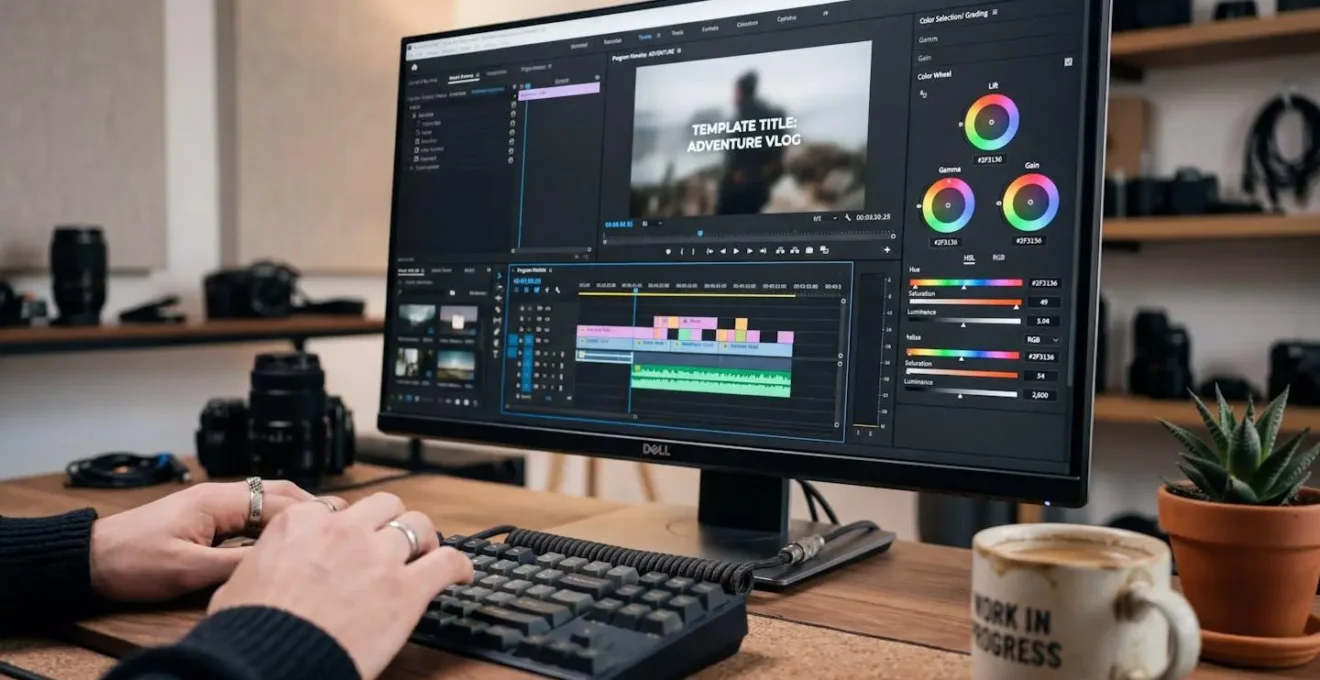
The teams that scale video production share one thing: they stopped treating every video as a custom project. They use templates as infrastructure, not shortcuts.
What Makes a Video Template Actually Editable (And Worth Using)?
Not every template deserves your time. I’ve seen teams waste hours trying to force a rigid template into something usable, only to abandon it and start from scratch anyway. The difference between a useful template and a frustrating one comes down to what’s actually editable—and how easily you can make changes without breaking the design.
What a quality editable template includes:
- Text layers you can swap without reformatting—headlines, captions, CTAs that resize gracefully
- Color controls tied to brand presets, not buried in nested menus
- Media placeholders that accept your footage, images, or screen recordings without distortion
- Pre-built pacing—transitions, timing, rhythm already calibrated for viewer attention
- Export flexibility for different platforms: square, vertical, horizontal without recutting
The pre-built pacing is what most people underestimate. A well-designed template doesn’t just look good—it moves at a rhythm that keeps viewers watching. According to peer-reviewed research on advertising consistency and sales, consistent content helps audiences recognize brands in environments where they’re exposed to thousands of messages daily. Templates enforce that consistency automatically.
Which template type fits your project:
Event promotion? Look for templates with countdown elements, date overlays, and high-energy transitions. Social media content? Prioritize vertical formats with text-heavy layouts optimized for sound-off viewing. Internal communications? Choose clean, minimal templates where the message—not the motion graphics—takes center stage.
The right template platform functions less like a library and more like a system. Platforms offering an infographic maker alongside video templates let you maintain visual consistency across formats—video, static graphics, presentations—without switching tools or starting over.
Honestly, trying to create every video from scratch when templates exist is like hand-coding CSS when you have a design system. Use the system.
The 4-Step Workflow to Transform Any Template Into Your Brand

I worked with a marketing coordinator at a tech startup last year who needed 12 event teaser videos in one week. Her team had zero video editing experience. Not « some experience »—literally none. We mapped out a template-based workflow, and they delivered all 12 in three days. The videos looked cohesive. The branding was consistent. Nobody cried.
Here’s the workflow that made it possible:
Transform any template into branded content:
- Match template to use case before you touch anything
Resist the urge to pick the flashiest template. Ask: Is this a 15-second social clip or a 90-second explainer? Does the template’s pacing match the energy you need? A mismatch here creates hours of adjustment work later.
- Apply brand elements immediately—colors, fonts, logo
Lock in your visual identity before adding any content. Upload your brand color palette. Set your fonts. Place your logo. This prevents the drift that happens when you « fix the branding later. » You won’t.
- Insert content into existing placeholders only
The template designer made decisions about where text and media should go. Trust those decisions. Drop your headline into the headline slot. Place your product shot in the media placeholder. Don’t add new elements unless absolutely necessary.
- Review pacing with fresh eyes before export
Watch the full video at least once without editing. Does the text stay on screen long enough to read? Do transitions feel rushed or draggy? Small timing adjustments here make the difference between amateur and polished. The same principles that drive high-performing visuals for digital platforms apply to video: clarity, rhythm, and intentional pacing.
The typical timeline I see when teams adopt this workflow: Day one is template selection and brand setup. Day two is batch content creation—multiple videos using the same base template. Day three is review and export. Teams going from « we need video » to « videos are live » in under a week, repeatedly.
The over-customization trap: In my work with marketing teams, I see this constantly—teams receive a beautifully paced template and immediately overload it with text, disrupting the rhythm that made it effective. Adding one more bullet point, one more logo placement, one more transition effect. The result? Videos that feel disjointed and require rework. Stick to the structure. Less editing is often better editing.
Your Questions About Video Templates Answered
The objections I hear most often come from teams who tried templates once, picked the wrong platform, and concluded templates don’t work. Let me address what’s actually true.
Will my videos look like everyone else’s if I use templates?
Only if you skip the brand customization step. A template is a starting framework, not a finished product. When you apply your color palette, typography, and media, the template becomes unrecognizable from its original form. The structure stays—your brand identity transforms everything visible.
Can my team use these without video editing experience?
That’s the entire point. Template platforms are designed for marketers, not video editors. If someone can use presentation software, they can customize a video template. The learning curve is measured in hours, not weeks.
How much can I actually customize?
Quality templates let you change text, colors, fonts, media, music, timing, and transitions. What you typically can’t change is the underlying motion design—the way elements animate in and out. That limitation is actually a feature: it’s what keeps your videos looking professional without requiring animation expertise.
What video lengths work best with templates?
Templates excel for videos under two minutes—social clips, product teasers, event promos, team announcements. For longer content like webinars or tutorials, templates work better as intro/outro bookends than as full-video frameworks.
How do I maintain brand consistency when multiple people create videos?
Create a « starter template » with your brand elements pre-loaded—colors, fonts, logo placement, approved music tracks. Make this the mandatory starting point for all team members. Templates enforce consistency by limiting the decisions each person needs to make. Compliance rates are naturally higher from the IAB video compliance brief on evolving regulations, brands are increasingly accountable for consistency across content—templates help you meet that standard systematically.
Once you’ve built a library of template-based videos, the next question becomes conversion. The visual consistency is handled—now you need messaging that drives action. That’s where the craft of crafting video CTAs that convert leads becomes critical.
Your Next Move
Start here, this week:
- Audit your last five videos—how many share consistent visual branding?
- Identify your three most common video types (social, event, product)
- Select one template platform and create a brand-loaded starter template
- Produce your next video using the 4-step workflow—time it
The teams producing the most video content aren’t working harder. They made a decision: stop reinventing the wheel every time they need a video. The template isn’t the creative constraint—it’s what frees you to focus on what actually matters: the message, the story, the thing you’re trying to say.